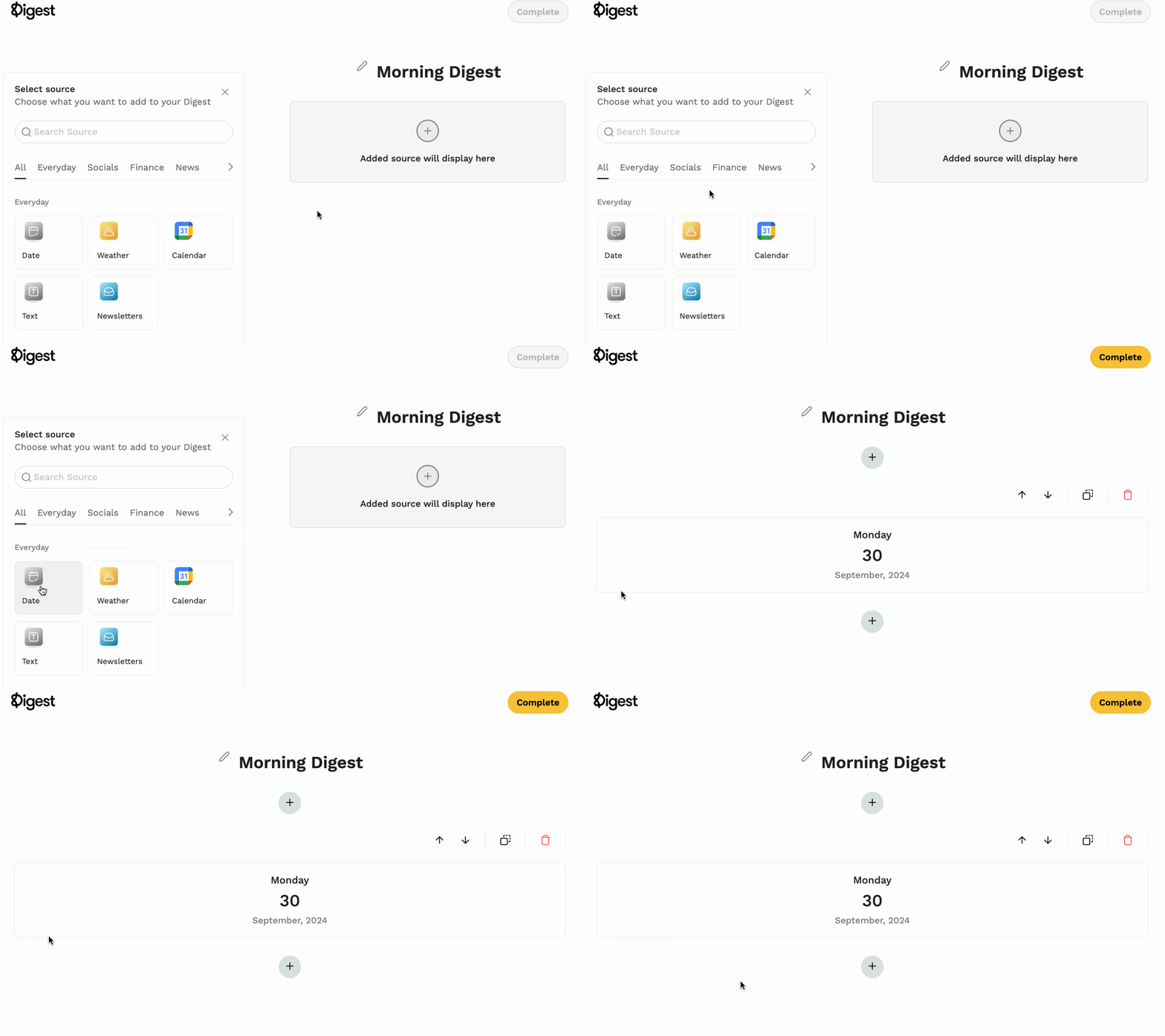
What is the Date Source?
The Date Source adds today's date (the current day, month, and year) at the top of your Digest.
Why Add the Date Source?
- Stay Oriented — Provides temporal context, especially useful when reviewing past Digests.
- Simplify Your Morning Routine — See the date alongside all your other content in one place.
How to Add It
- Log into your Digest account
- Create a new Digest or edit an existing one
- Select Date under sources
- Click Save