What is the X Search Source?
The X (Twitter) Search Source lets you search for specific keywords or phrases on X and have matching posts delivered to your Digest.
Why Add the X Search Source?
- Track Topics — Monitor trending subjects and industry news through keyword searches.
- Tailored Content — Receive relevant posts without manually searching X.
- Customizable Display — Choose between latest or most popular matching posts.
How to Add It
- Log into your Digest account
- Create a new Digest or edit an existing one
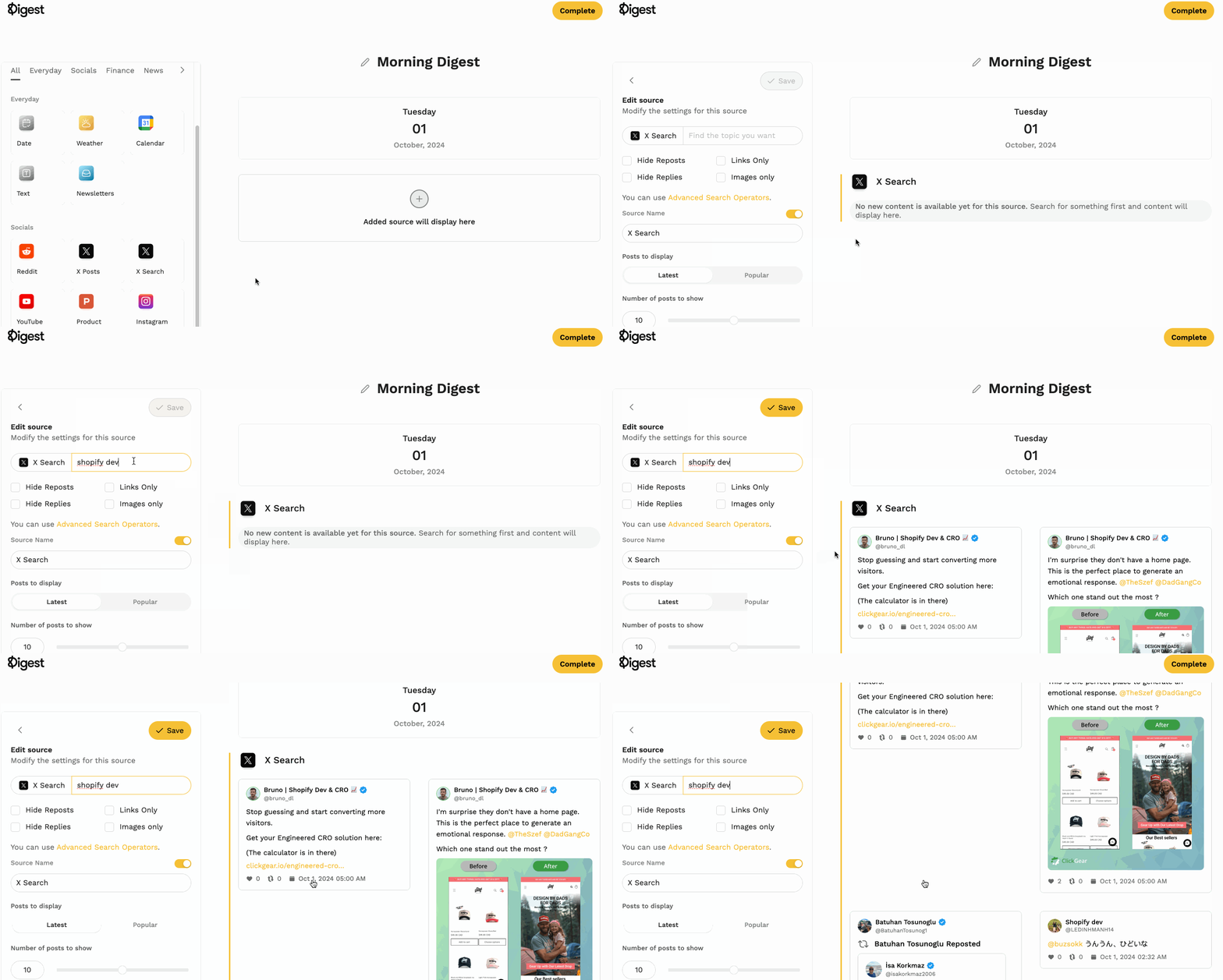
- Select X Search from sources
- Enter a topic or keyword
- Configure optional filters (hide reposts/replies, show only media or links)
- Choose between latest or most popular posts
- Click Save